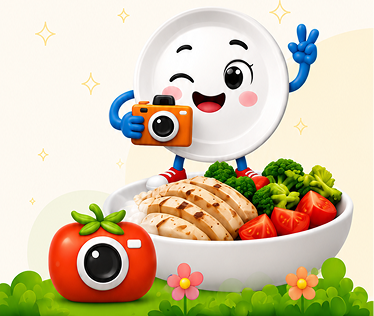
Dancing Plate — Kids Nutrition App Design
UI/UX Design • Mobile App • Branding
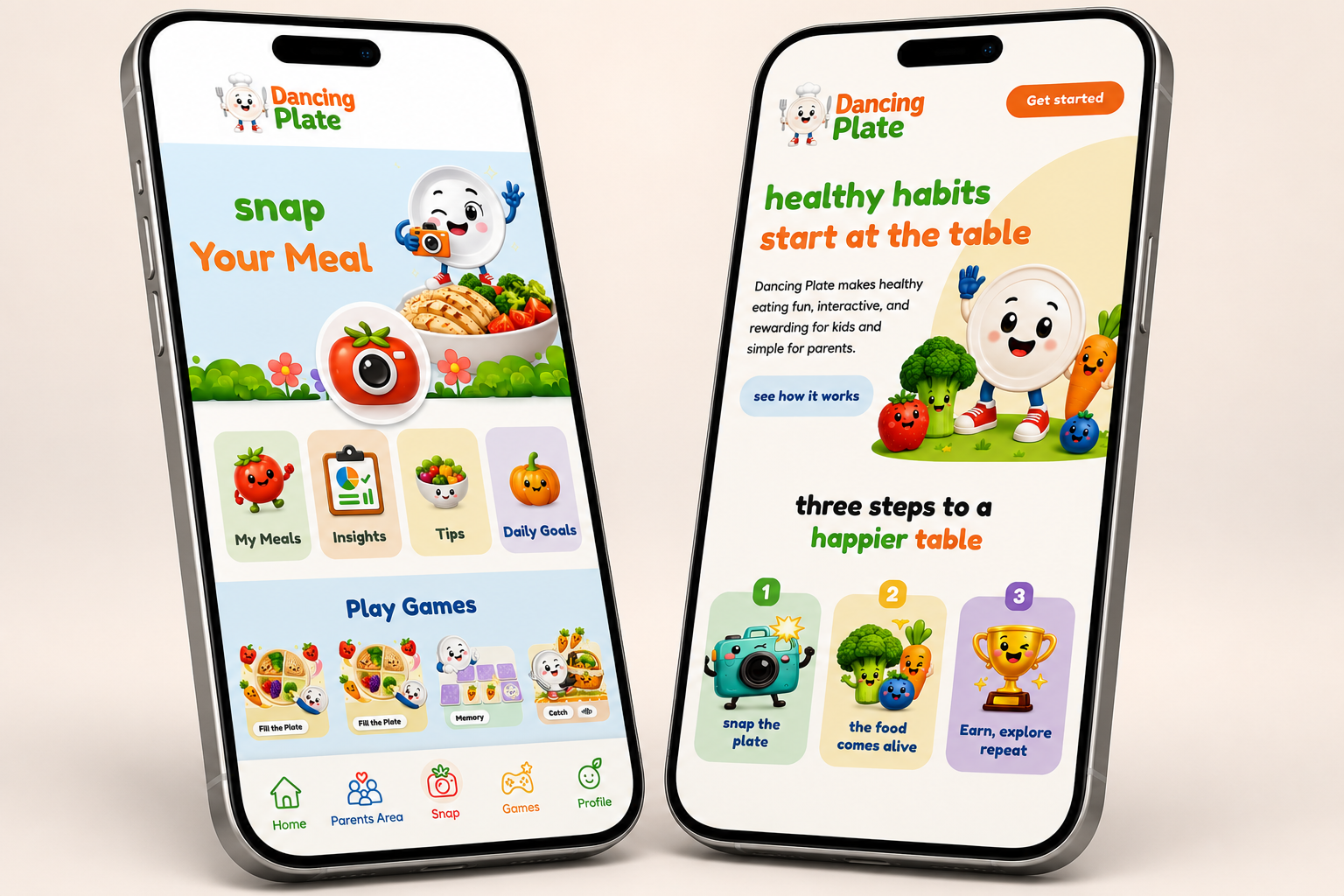
Screen design for a children's app that teaches healthy eating in a playful, colorful way. The visual language features animated food characters, rounded buttons and a cheerful mood. It invites kids to explore, play and eat healthy.
- Friendly, animated food characters that appeal to children
- Simple navigation structure with large buttons and clear icons
- A joyful, colorful palette that conveys health, play and education
Case Study
An app that turns healthy nutrition into a playful experience for kids
1
The Project
Dancing Plate is a mobile app for children designed to encourage healthy eating habits through a playful, colorful and easy-to-use experience.
I joined the project as part of the design process and worked on developing and designing the app's visual interface according to the concept, target audience and project requirements.
2
My Role
UI Design • Visual Design • Mobile App Design • Figma
I was part of the design team and worked on designing and developing screens for the app, creating a clear visual hierarchy and maintaining a consistent design language throughout the user experience.
3
The Challenge
The design challenge was to create an interface suitable for young children — easy to understand, inviting, colorful and playful — while minimizing reliance on text and using clear visual elements.
It was also important to maintain consistency across screens and create an experience that feels like a game rather than a nutrition tracking tool.
4
Users
- Young children — primary users who need a simple, colorful and playful interface
- Parents — companions looking for control, safety and reliable content
5
UX Process
- 1Icons & visual elementsUsing icons and clear visual elements instead of text overload.
- 2Large buttons & central actionsLarge buttons and central actions that are easy to recognize.
- 3Joyful colorHappy, energetic colors that fit the children's world.
- 4Simple hierarchyA simple hierarchy focusing each screen on one central action.
- 5GamificationUsing game, progress and reward elements to turn daily actions into an experience.
6
The Solution
The stars, levels and rewards system were designed to give children a sense of progress and encourage them to return to the app. The design emphasized presenting progress in a visual and clear way, so children could understand what they achieved and what the next step is without heavy reading.
7
Design System
- Strong, joyful colors
- Large, clear typography
- Friendly icons
- Large buttons
- Cards and components with soft shapes
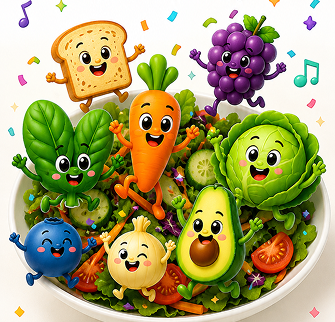
- Characters and elements from the food world as part of the experience
8
Final Screens
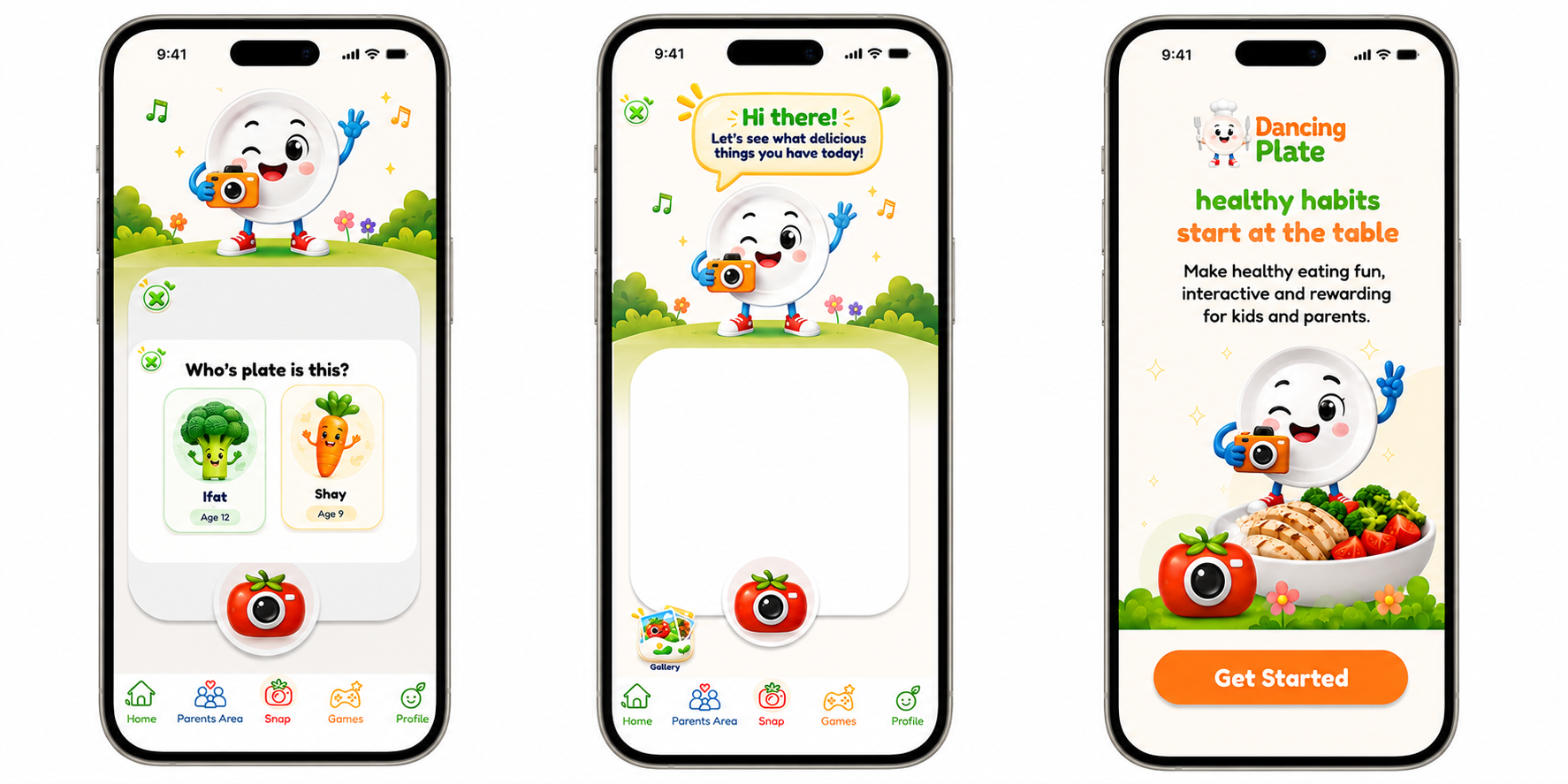
During the project I designed screens and scenarios for the app, adapting the visual language to the functionality of each screen.
One of the main focuses was making the daily action of logging a meal simple and quick, and connecting it to the app's game and rewards world.
9
Results
- A colorful, playful mobile interface connecting nutrition, daily tracking and gamification.
- A design that presents actions and processes in a simple, visual way while maintaining a unified language that can be extended to additional screens and features.
10
Learnings
11
Gallery